Industrial standardization, station by stationAn SOP in 10 minutes.More time for improvement.
Film a job and AI drafts the work instruction and process analysis; your team works in one enterprise workspace where every standard is kept in one place.
Why it matters
No standard, no improvement. Yet standards rarely get written down.
Give engineers their time back
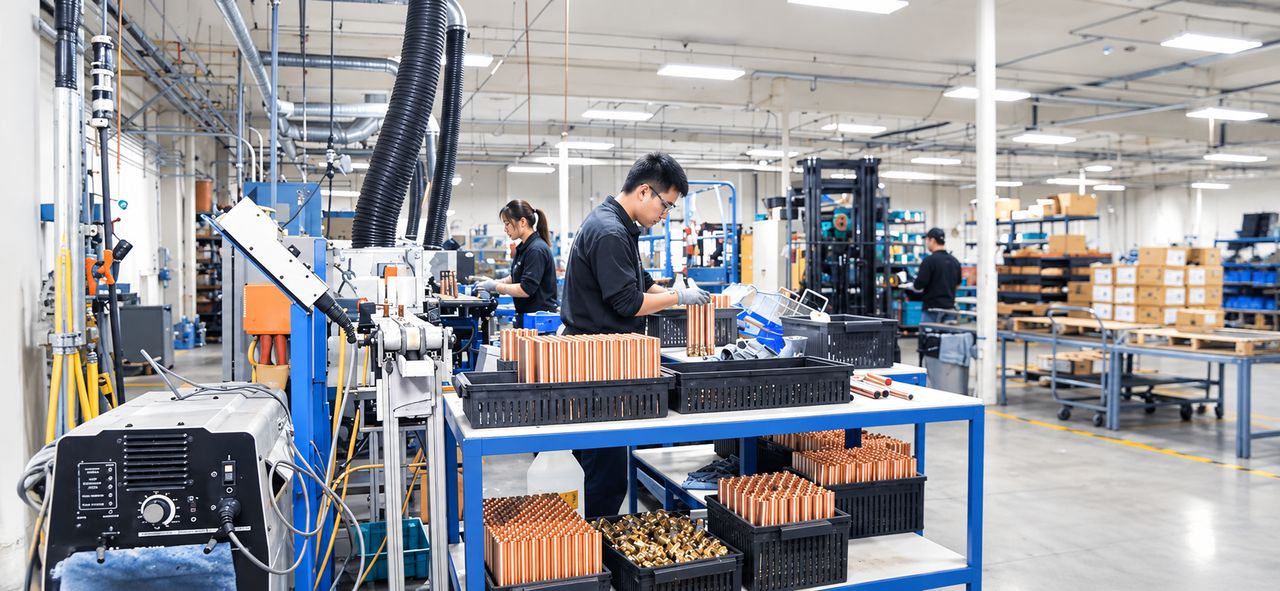
Film the job on the line. AI splits the steps, writes the instructions and lays out the document, with no more screenshots, stopwatches or spreadsheet formatting.
One standard across the plant
Standards no longer sit scattered across personal computers and chat groups: every task sits in the enterprise workspace, filed by department and station, for new hires to follow.
Improvement backed by data
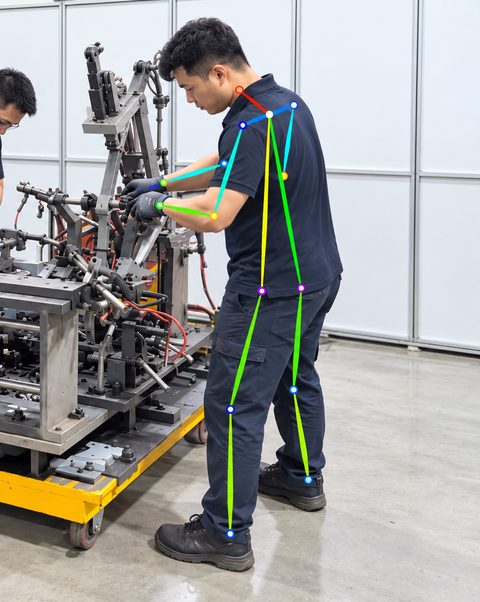
Process analysis marks value-added work and waste and suggests ECRS improvements; safety and ergonomics follow from the same video.
How it works
Three steps from shop-floor video to a standard you can issue.
- 01
Upload a work video
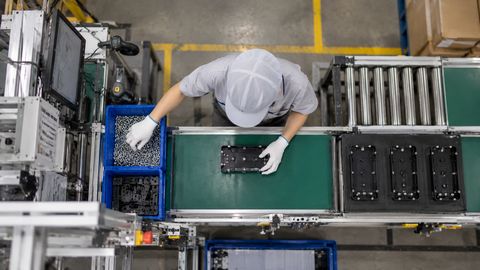
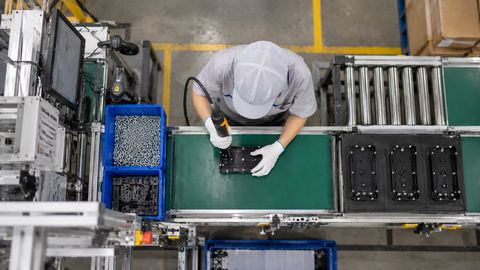
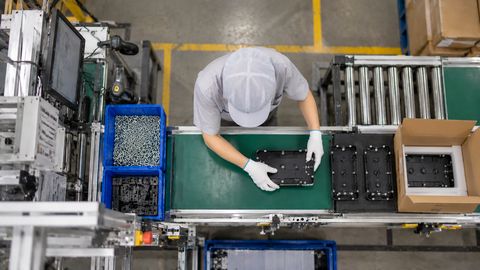
Film the job on a phone and drop it in; the steps are split and the work instruction written for you.
- 02
Check the steps
If a step is cut wrong, drag its boundary, merge or split it; every other report follows the corrected steps.
- 03
Generate and export
Need process, safety or ergonomic analysis? One click on the task overview; what you preview is the export, download Excel / PDF for the floor.
Enterprise · Team collaboration
One workspace for your plant's work standards.
Engineers, line leaders, QA and safety staff work in one enterprise workspace. Tasks are visible to all; access, points and invoices are managed centrally.
All tasks in one place
Colleagues' tasks sit in one workspace, filterable by member, department and station.
You decide who can edit
Only the creator can edit by default; open a task to everyone or to selected members.
Shared company points
The company tops up once and members just use them, with a record of every use.
Simple member management
Invite colleagues by email and appoint admins; tasks stay when people move or leave.
Company billing and invoices
Pay with Alipay and request an invoice; billing and invoices live in enterprise settings.
Personal and enterprise, separate
Personal points for practice, enterprise points for company tasks, all in one account.
Who it's for
One video, and every role gets what it needs.
Industrial engineers
The step timeline and process analysis are ready-made, so time goes into improvement instead of tidying spreadsheets.
Line leaders · Supervisors
Hand out laid-out work instructions directly; new hires learn from the steps and the video.
Quality · Safety
Quality points, hazard prediction and posture risks are marked on the step they belong to.
Plant management
Every department's work standards sit in one workspace, easy to look up and kept to one version.
Features
What else can it analyze
Split the video once; process, safety and ergonomic analyses follow from the same steps, no re-upload.
Export-ready work instructions
- Step content: Actions, quality requirements and illustrations per step; click to edit.
- Video frames: Grab the current video frame as the illustration, no screenshots needed.
- Quality / safety marks: Flag key quality and safety steps; the export carries the legend.
- Header fields: Line, station and sign-off fields; the preview is the exported Excel.
… pts each
Pricing
Pay for what you use.
No monthly fee, no subscription. Try it with the points you get at sign-up, and buy more only if it works for you. Companies can buy enterprise point packs shared by the whole team.
Start free
Get … pts at sign-up and try it on your own work video.
Points per action
Video analysis is charged by video length, each report per run; every AI action shows its cost before it starts.
Top up when you run out
Points are valid for one year; failed analyses are refunded automatically.
Gongxu AI analyzes work methods and workstation design and turns them into standard documents and improvement suggestions. It does not identify individuals, and it is not designed for, and must not be used for, evaluating, rating or making decisions about any employee.
FAQ